Craft Quick Capture
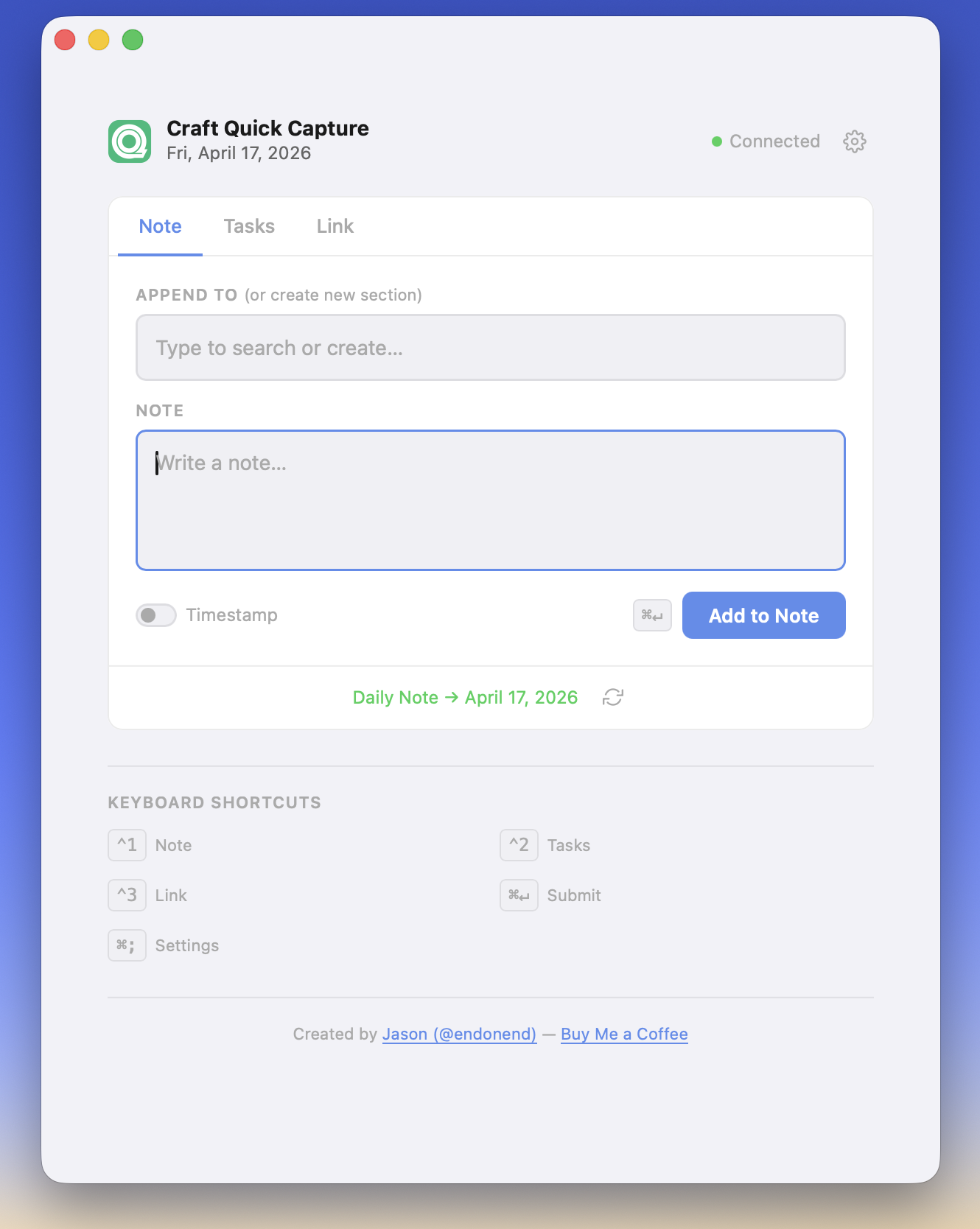
A simple page to quickly add information to your Daily Note for today in Craft. Complete with keyboard shortcuts to make the whole process FAST.
Add:
- Notes (w/ optional heading) - on page load, your current page headings are loaded allowing you to append text to a specific section or type to create a new section heading. Leave Append To blank to add your note to the bottom of the page.
- Tasks - bulk add tasks to Today
- Links (w/ optional title and note) - add links to check out later with a brief note or for things like creating a JIRA ticket work log in your Daily Note. Appends to the bottom of the page.
Screenshot:
How to Connect to Craft:
Open the Settings panel on the page. Then:
- In Craft, go to Imagine and create a new API connection.
- Select Daily Notes and Tasks as the scope, give it a name, then copy the API URL and paste it below.
- Create an API Key (starts with pdk_), then copy and paste it below. The key will only be shown once, so you may need to create a new key using the same method at a later time.
Hosting/Usage
The API details are stored in your browser's Local Storage, allowing for many different usage setups. For example:
- Download index.html and open it in your desktop browser, set the API details and use
- Upload to a server and access on the go... static hosting like Netlify will work just fine.
Note: not recommended for use on shared computers, as anyone with access to this page will have access to your Craft API details.
Questions, feedback, ideas? Let me know!
- Demo/use: https://capture.endonend.org
Feel free to use it as a demo (or however long) or save that page as HTML and use it locally/on your own server.
- See the announcement blog post