Craft Quick Capture
A simple one-page tool to speed up adding to your Daily Notes in Craft.
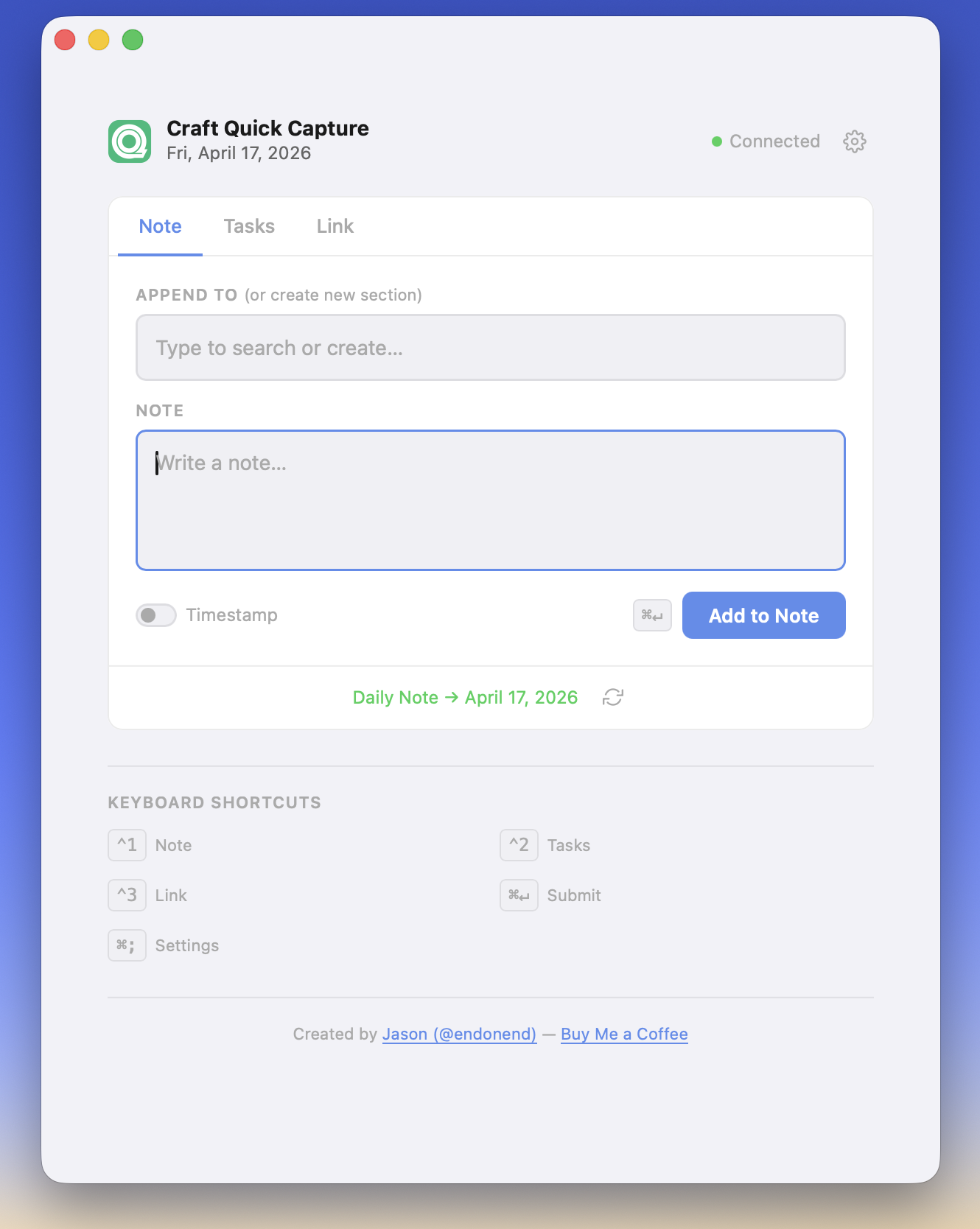
Recently I've stumbled upon a few quick capture systems for other note taking apps, like Obsidian... as a Craft user I got pretty jealous, so I used Claude to create a simple page to quickly add information to today's Daily Note in Craft. Complete with keyboard shortcuts that makes the whole process FAST.
Quickly add:
- Notes (w/ optional heading) - on page load, your current Daily Note page headings are loaded allowing you to append text to a specific section (or) type to create a new section heading and note at the bottom of the page. Leaving 'Append To' blank adds your note text to the bottom of the page.
- Tasks - bulk add tasks to Today, one per line
- Links (w/ optional title and note) - add links to check out later with a brief note or for things like creating a JIRA ticket work log in your Daily Note. Appends to the bottom of the page. Lots of potential use cases for this!
The API details and credentials are stored in your browser's Local Storage, so it easy to use this page anywhere – local or hosted on the web.
I've got it published here: https://capture.endonend.org
Feel free to use it as a demo (or however long) or save that page as HTML and use it locally/on your own server.
Questions, feedback, ideas? Let me know!
→ See the Project page for more.
